


Where AI video generation genuinely saves money
Most teams do not need a cheaper way to make a final hero film. They need a faster way to make the twenty imperfect versions that come before it.
- Concept animatics. A brief turns into a watchable first cut in minutes instead of days, which means stakeholders react to motion rather than to a storyboard they cannot read.
- Product variants. One set of reference images can be reused across several markets, formats and seasons without reshooting.
- Short-form volume. Weekly social cuts stop competing with the main production calendar for studio time.
What the current tools actually do well
Text-to-video is good enough for abstract and lifestyle shots: atmosphere, textures, slow product rotations, background plates.
Image-to-video is the more useful mode for commerce. You keep the product exactly as photographed and add motion around it. Multi-reference input is the feature to look for, because it holds the same subject consistent across several shots - the difference between a clip and a sequence.
Storyboarding across shots is what separates a toy from a tool. If the generator plans several shots and handles the transitions, the output can be edited like footage rather than stitched like a slideshow.
Native audio with lip sync removed the last manual step for talking-head style delivery in several languages.
Where it still falls short
- Fine hand and object interaction remains the weak point: anything where fingers must grip, pour or open something.
- Text rendered inside a generated frame is still unreliable for packaging, unless the tool has dedicated text rendering.
- Continuity over long sequences drifts. Short, deliberate shots still beat one ambitious take.
A workflow that has worked for me
- Shoot the product properly. The generator is downstream of good stills, not a substitute for them.
- Lock the reference set first, then generate motion.
- Generate more short shots than you think you need, and cut them.
- Keep the final 10 percent of polish in an editor.
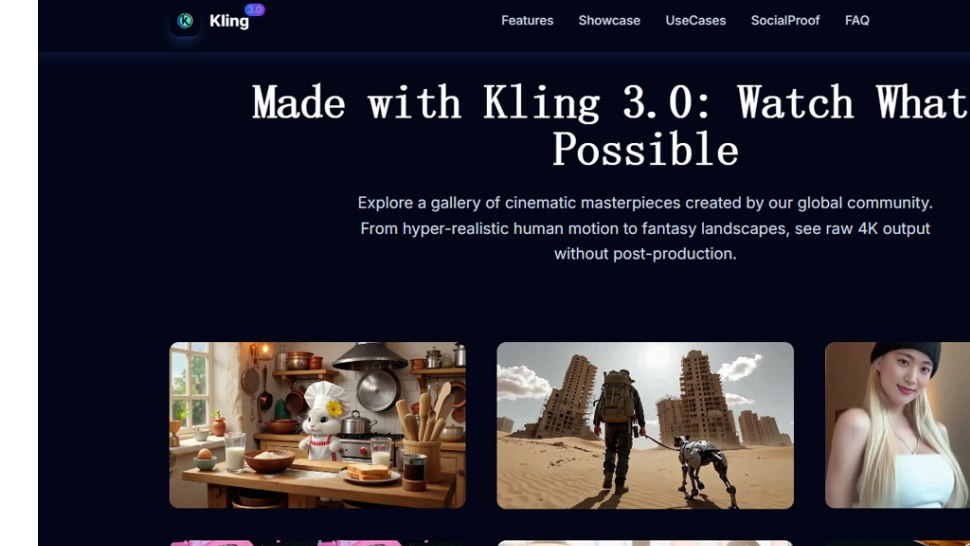
The tool I have been using for the image-to-video and multi-shot part of this is Kling 3.0, a browser-based generator with multi-reference input, native 4K output and native audio. Its site is kling3ai.co if you want to compare capabilities before committing.
Used this way, AI video does not replace a production budget. It removes the cost of being wrong early.



Share the News