User Profile
The User Profile is where the user presents himself; it is free with basic functions and available as an upgraded professional profile that offers better presentation and enhanced community management features.
The user profile is also the management level for all GLBrain activities of the user, ranging from his presentation to settings, content creation, and administration, as well as all community management.
Extensive customization options allow adjustment of the user profile and privacy settings at 2 levels: the basic and professional profiles.
We will explain here the main profile features and then explain what is a basic profile and what is a professional profile. The basic profile is free, while the professional profile is subscription-based but free until 2027.
About
Biography
Upon registration, the user receives a basic personal profile that shows all information they provided during registration. It allows community management for up to 500 members.
Upgrading to a professional profile allows extended presentation ranging from a photo and video gallery to information textboxes in multiple languages, and many more. The professional plan supports community management for up to 5,000 members.
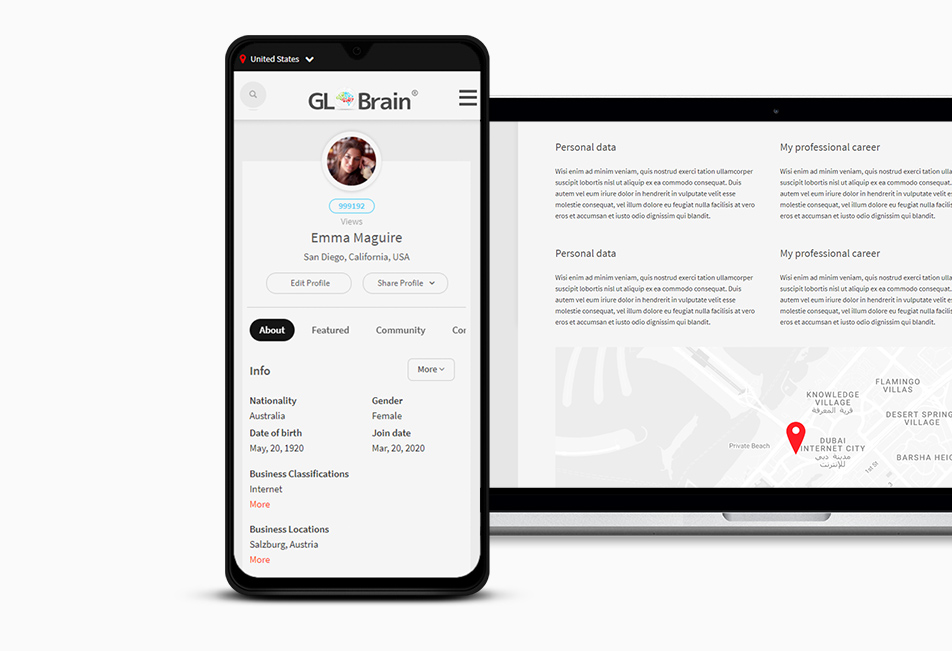
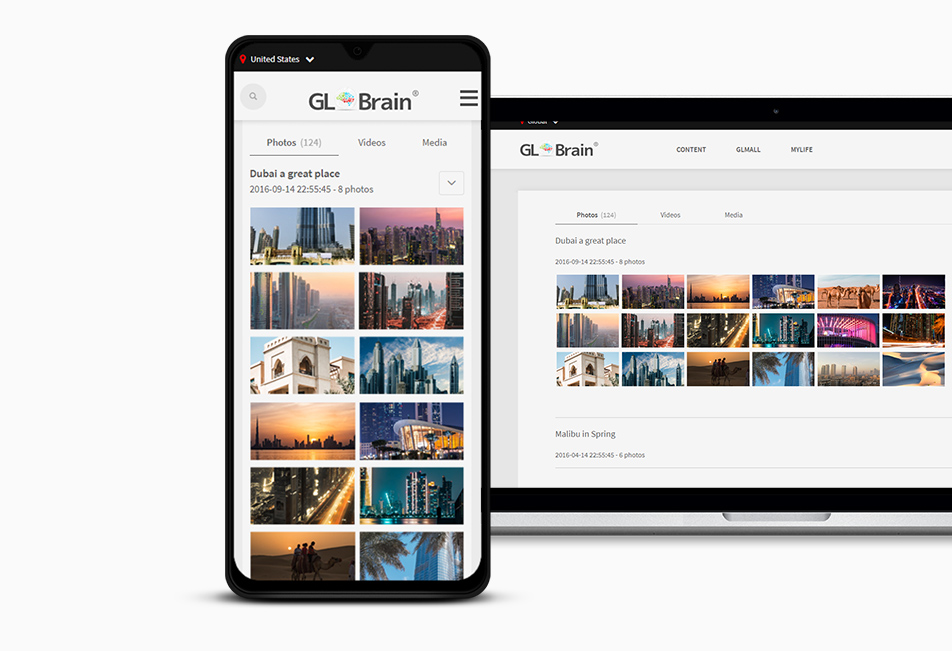
Photo Gallery
A professional profile allows uploading Photos and to create unlimited Photo galleries.
Video Gallery
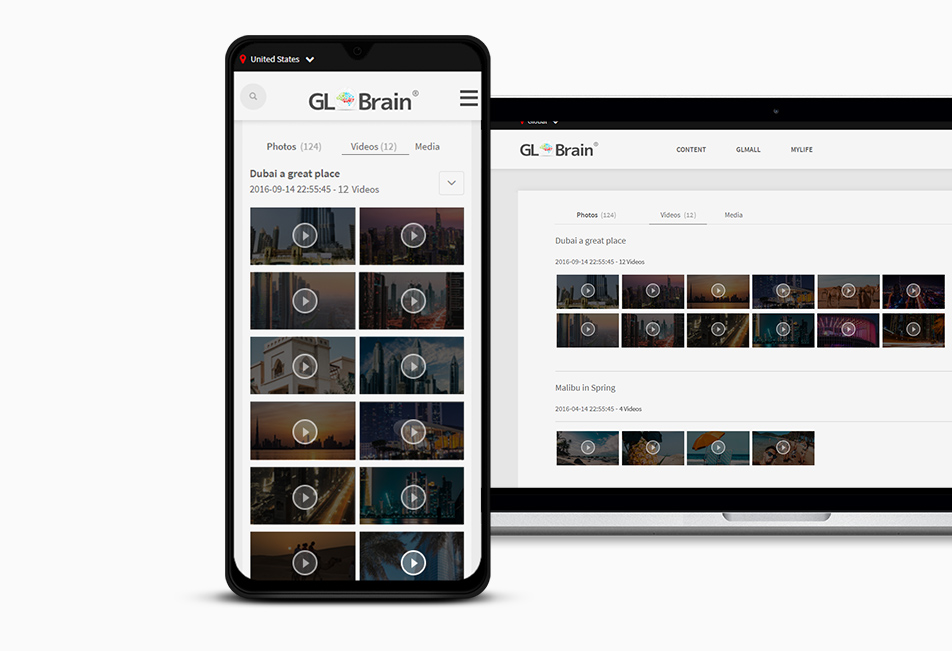
A professional profile allows uploading Videos from Youtube or Vimeo.
Community
Friends
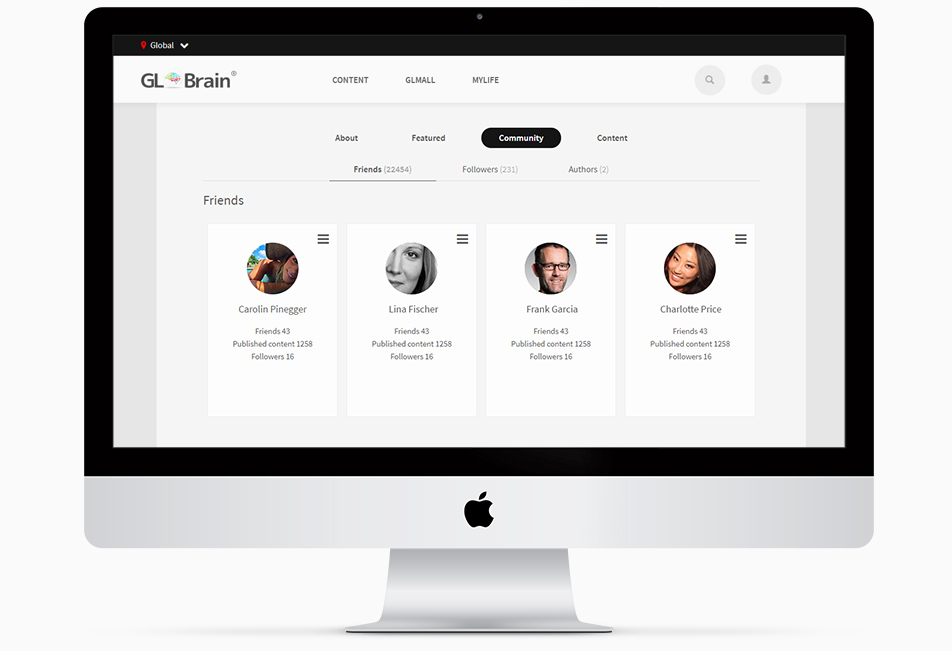
All friends are listed in the "Friends" section of the Community tab. One can perform different actions towards other users directly from this page.
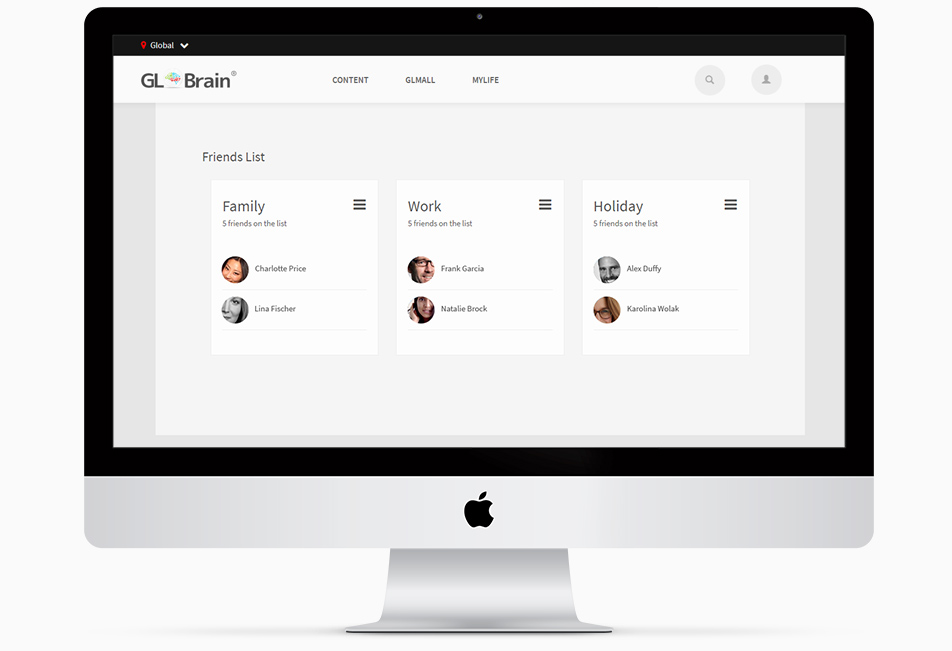
Friends' Lists
Lists are created and maintained in the User Profile. There can be up to 10 lists. There is no limit to the number of friends, customers or other parties in a list.
Followed Authors
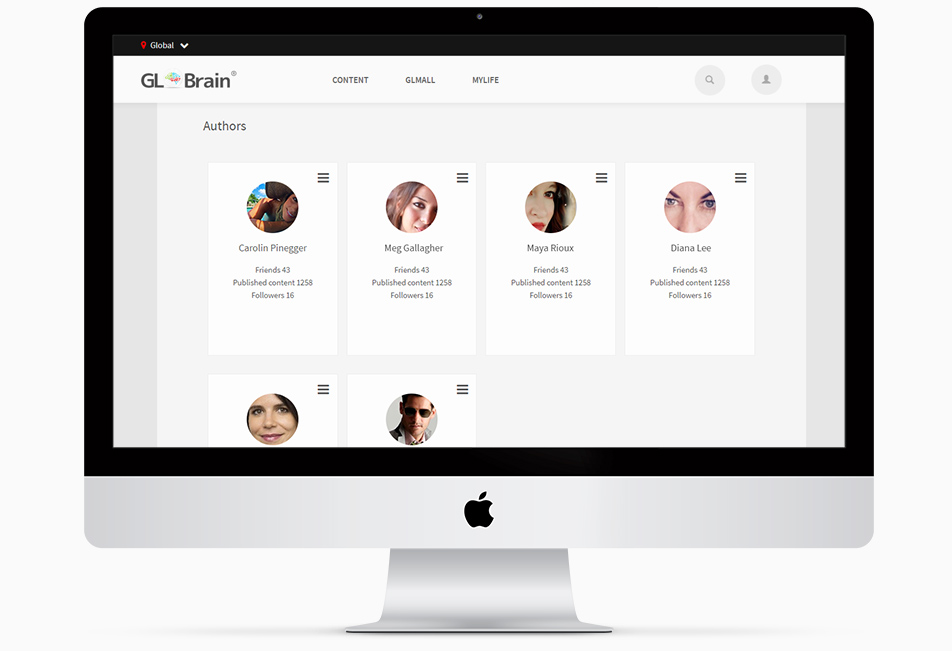
Users followed are listed in the "Followed Authors" section of the community tab. One can perform different actions towards followed users directly from this page. The use will be notified if an author he follows published further content.
Followers
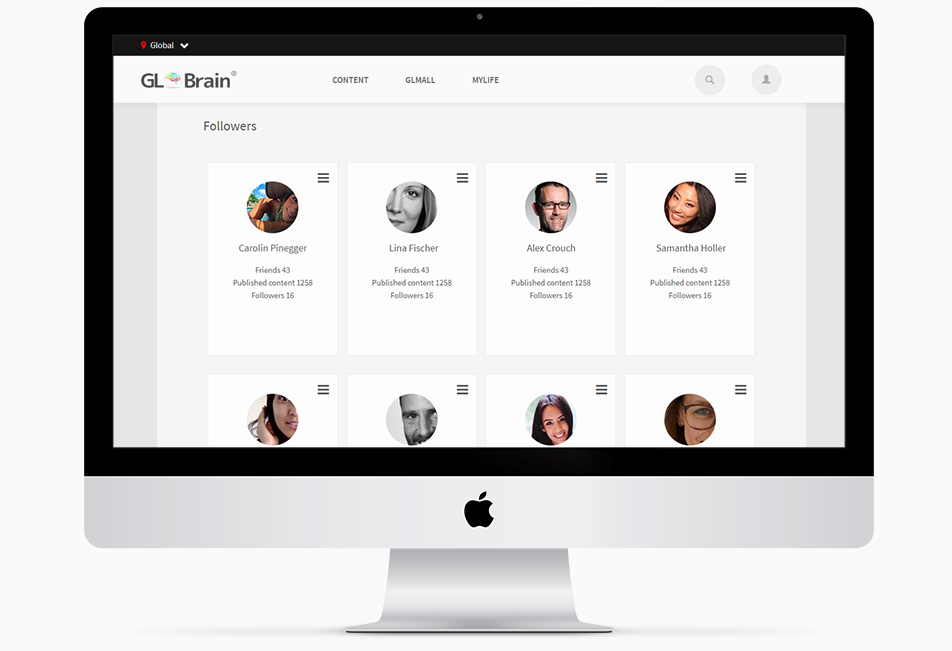
All followers of a certain user are listed in the "Followers" section of the Community tab. One can perform different actions towards followers directly from this page and see who is following the user as an author of content.
Content
Content
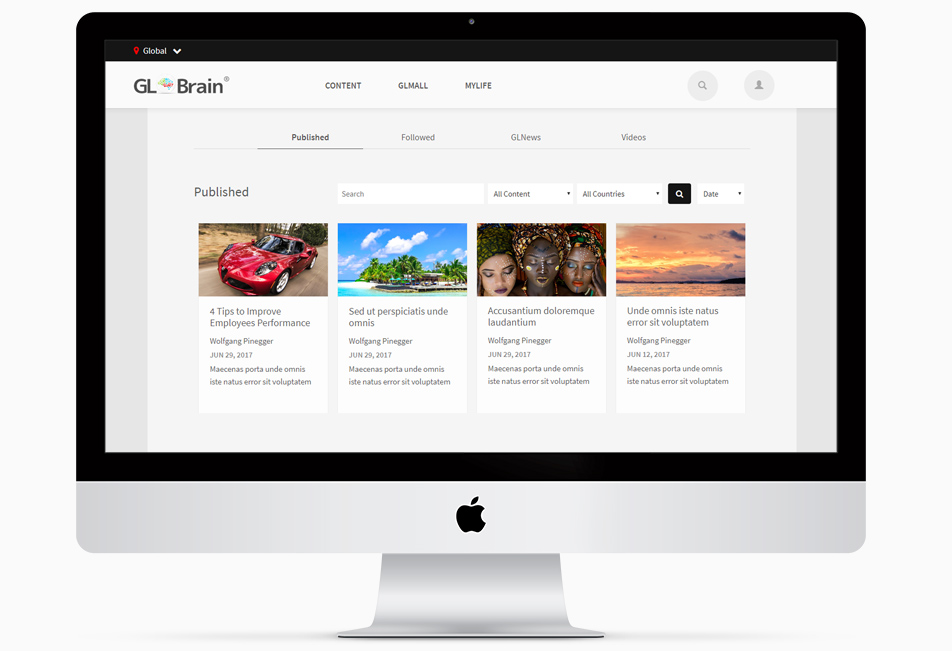
All content published by a user (Opinions, Articles, Movements, Polls, GLNews and Videos) can be found under the Content tab of the profile. Here the user manages all his published or still unpublished content.
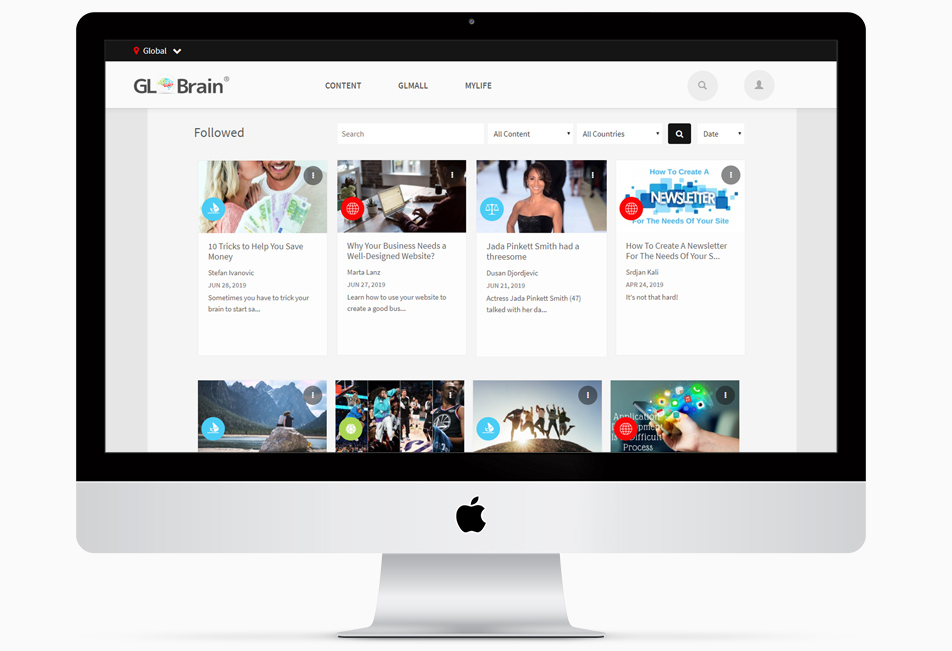
Followed Content
All content followed by a user can be found under the Content tab of a profile, in the "Followed Content" section.
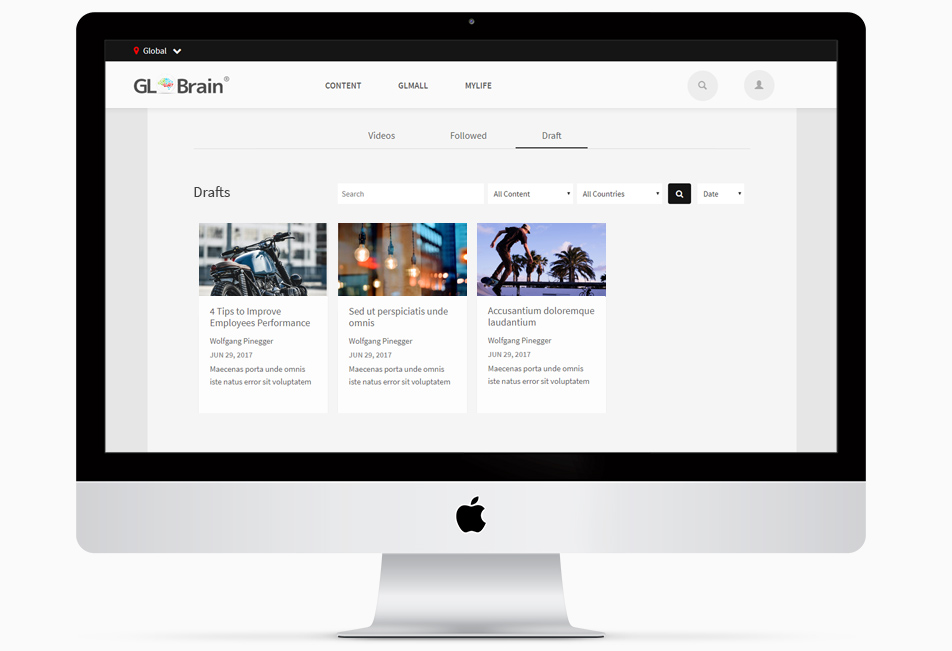
Draft
All content created or under creation but not yet published is stored under "Drafts" until publication.
Featured
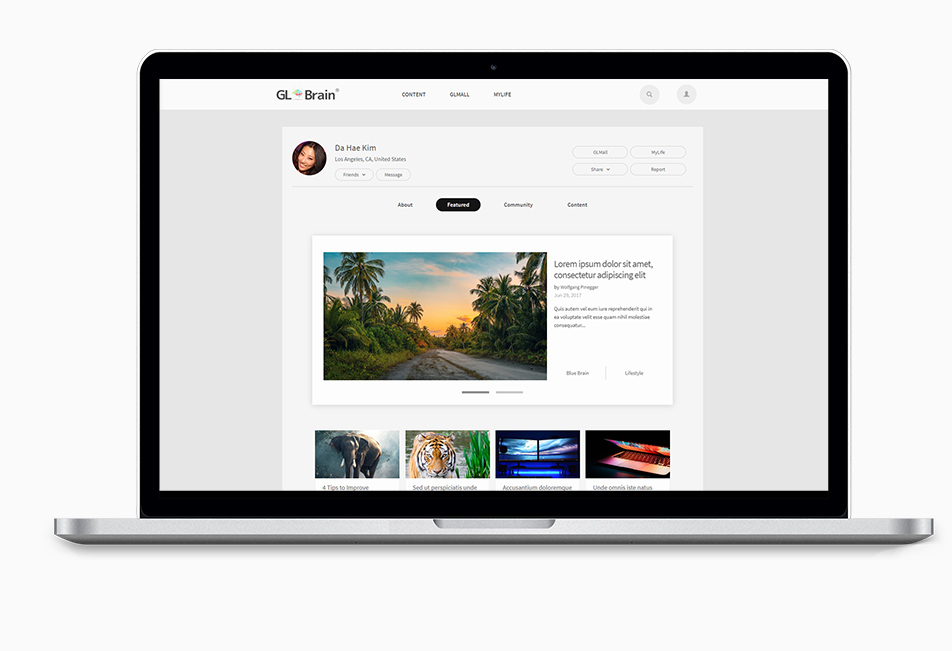
Featured
The "Featured" tab represents a selection of up to six contents chosen by the user in order to get a better exposure. Selected content can be re-ordered in any desired sequence by using this function under "Settings".
Basic Profile Options
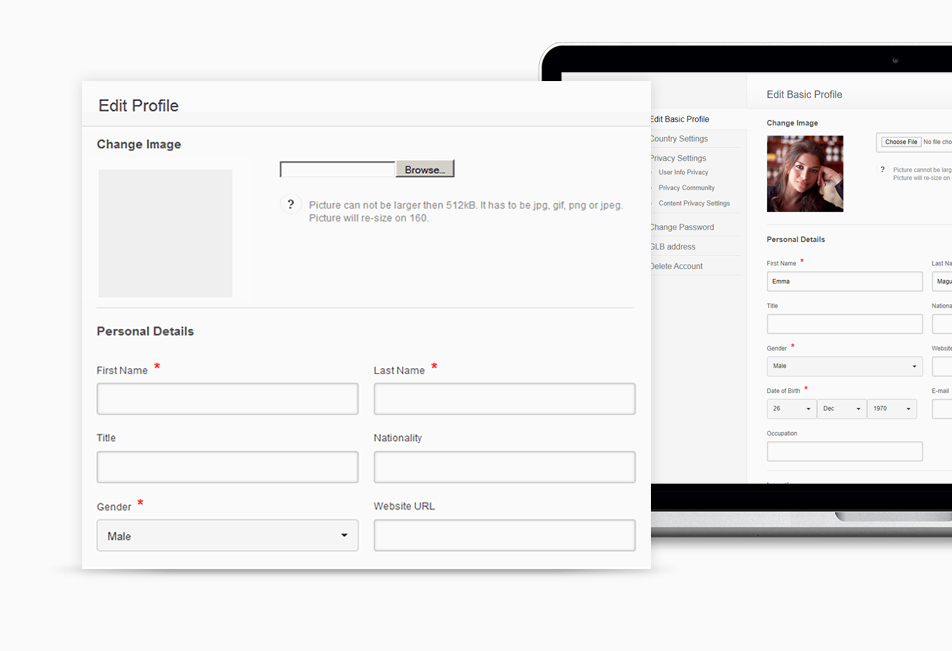
Edit Basic Profile
Here the user can edit his "Profile" at any time. He can change his profile picture and write or edit his biography. Details can be seen in the related Tooltips by hovering the mouse over the question mark. Here the user also enters his other social networks so to be seen on his profile and used to link when sharing GLBrain / GLMall or GLFeed content to other social networks.
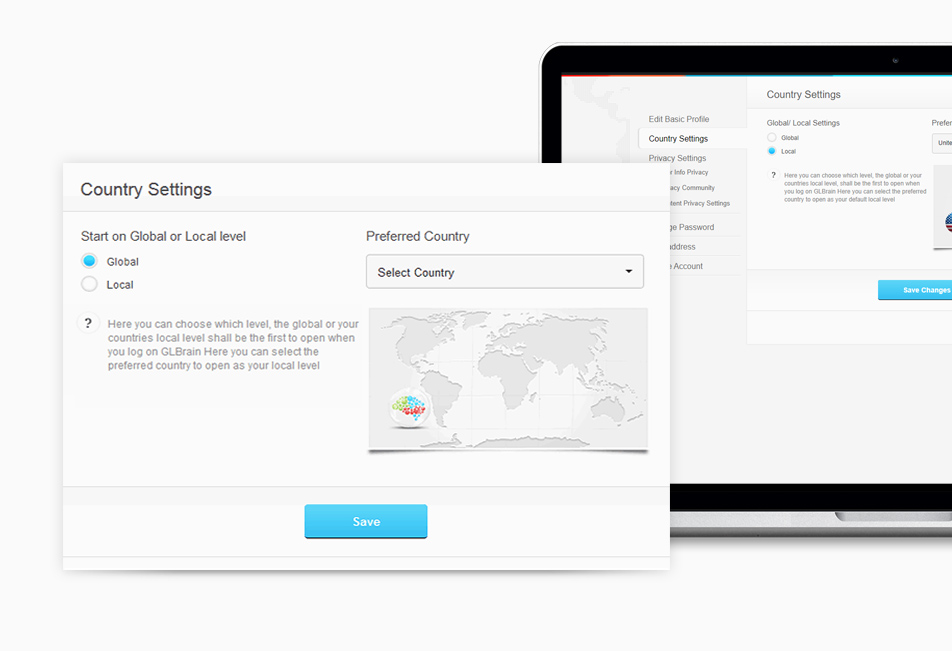
Country Settings
Here the user can set and edit his country preference at any time. The selected country will be showing on GLBrain with its "Local" level when logging in. The user can in the header of GLBrain at any time select another country for this session. After logging out and coming back the country selected here will show again. Details can be seen in the related Tooltips by hovering the mouse over the question mark.
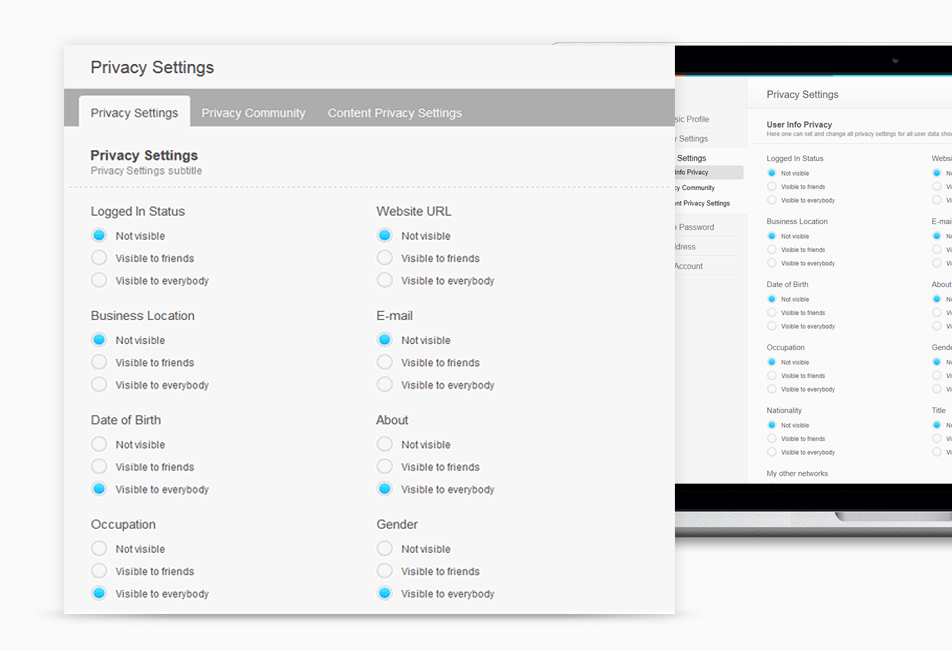
User Information Privacy Settings
Here the user can edit his "Visibility Settings" at any time. He can select all information he entered in his User Profile and decide who can see what of this information. Details can be seen in the related Tooltips by hovering the mouse over the question mark.
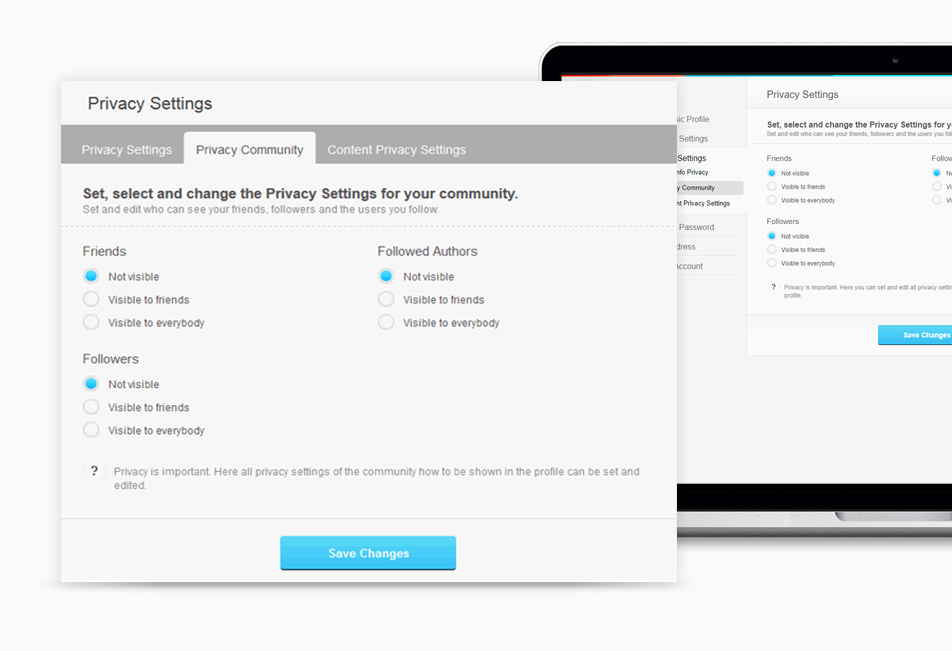
Community Privacy Settings
The community of a user can be shown on the profile page. For a community privacy may be important, thus specific and easy to handle privacy settings are available on the profile page. This will allow or restrict visibility of information to friends, followers or those the user follows.
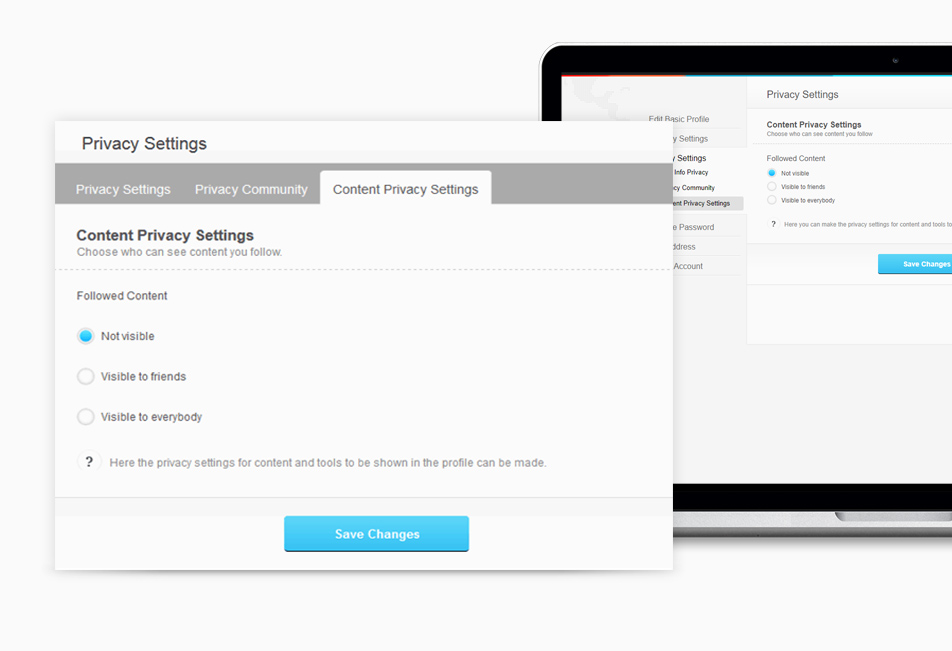
Content Privacy Settings
Here the user can decide if and by whom all content he created can be seen in his GLBrain Profile.
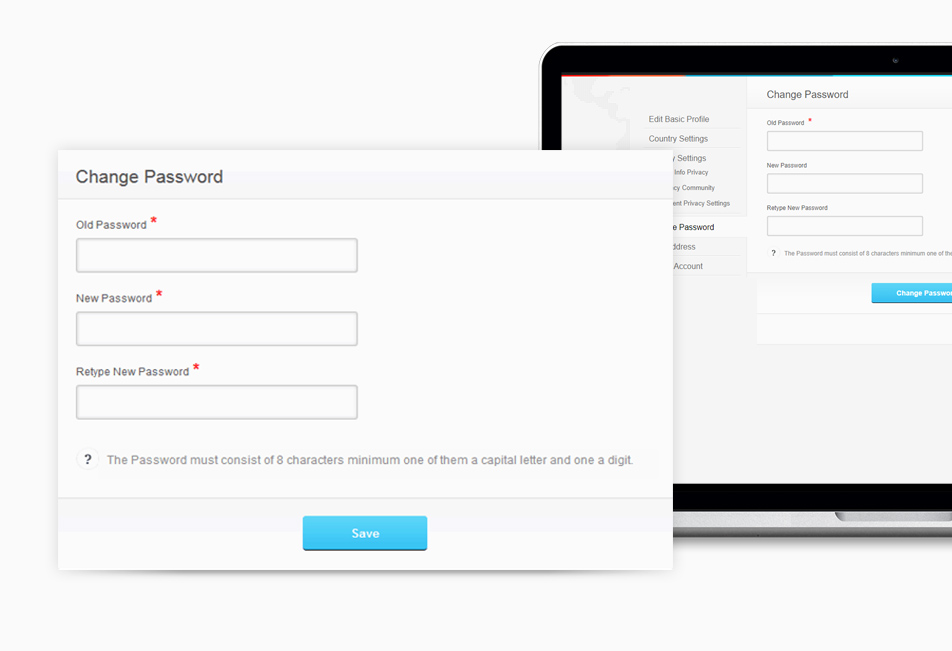
Change Password
Here the user can change his password at any time. Details and the procedure to be followed can be seen in the related Tooltips when hovering the mouse over the question mark.
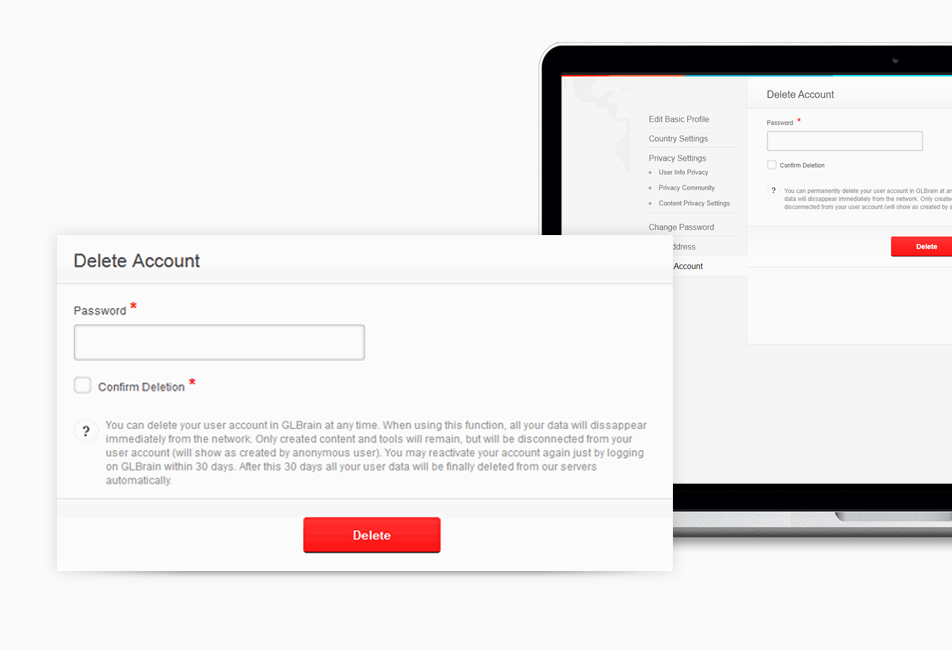
Delete Account
Here the user can delete his user account at any time. Details can be seen in the related Tooltips by hovering the mouse over the question mark. Once deleting the account all information and related content is deleted immediately. It is kept on the servers for 30 more days and can be reactivated by logging into his account again within this time. After the 30 days all is deleted for good form all our servers.
Professional Profile Options
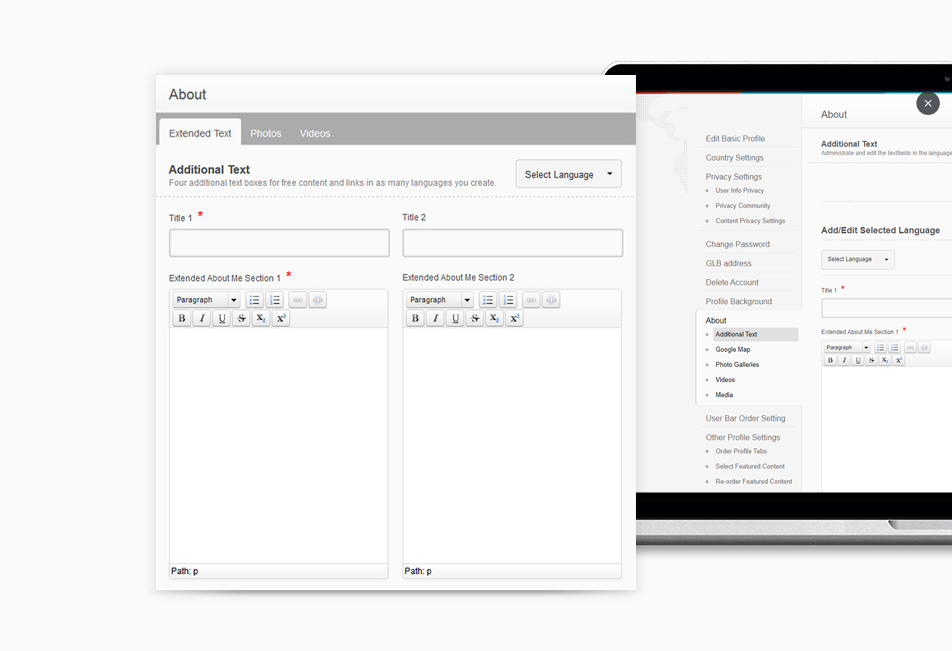
About Additional Text in the "About" section
Additional text fields can be used for any kind of additional information including links. This information can be updated and changed at any time. A special tool allows also to present a text in different languages. Text can be written as well as displayed in any language known to the network. Display of text depends on the readers language configuration as well as on the authors default language settings. Default language will be displayed if language settings do not match up with GLBrain language recognition.
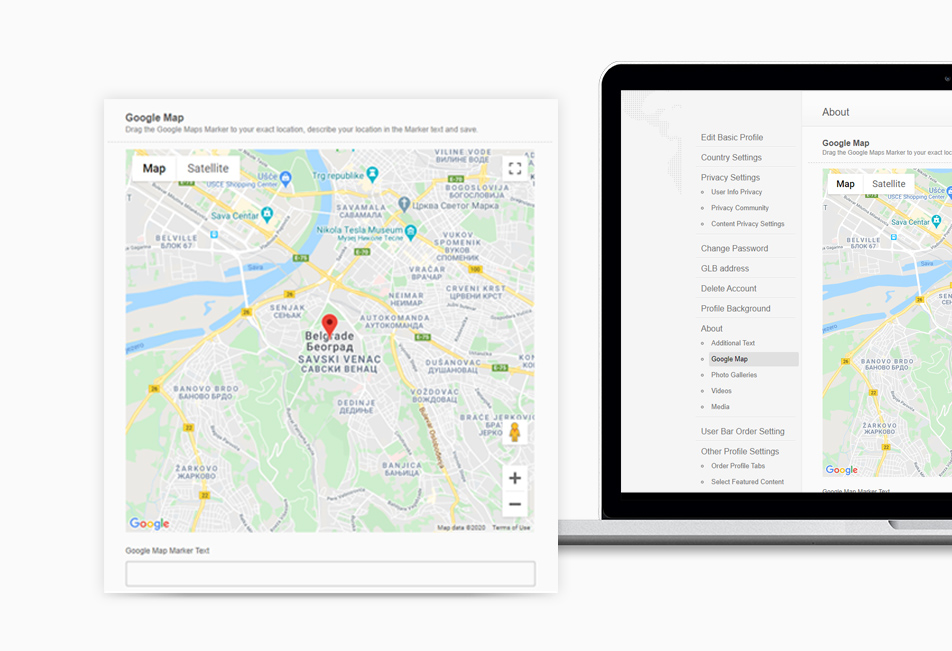
Google Maps
Google Maps by default shows the city chosen by the user. The detailed location can be set in "Settings" then showing in the profile on GLBrain as well for the online Shop of the user in GLMall.
Photo Galleries
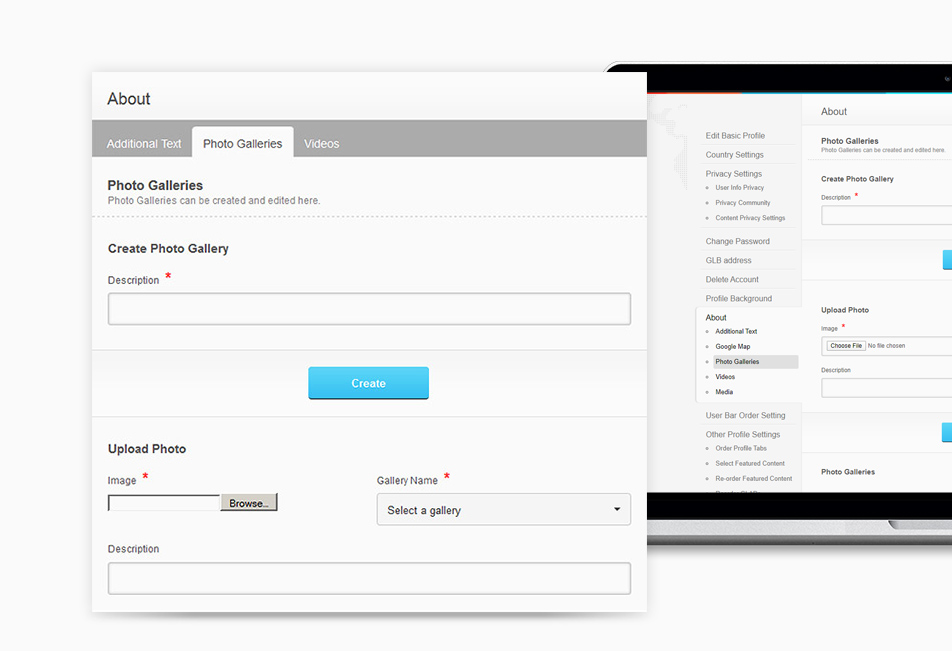
The user may create as many Photo Galleries he wants and add as many photos as desired. He may name and describe the gallery as well as the photos in a gallery. Once a photo or a gallery is deleted it will be deleted from our servers instantly and cannot be recovered.
Videos
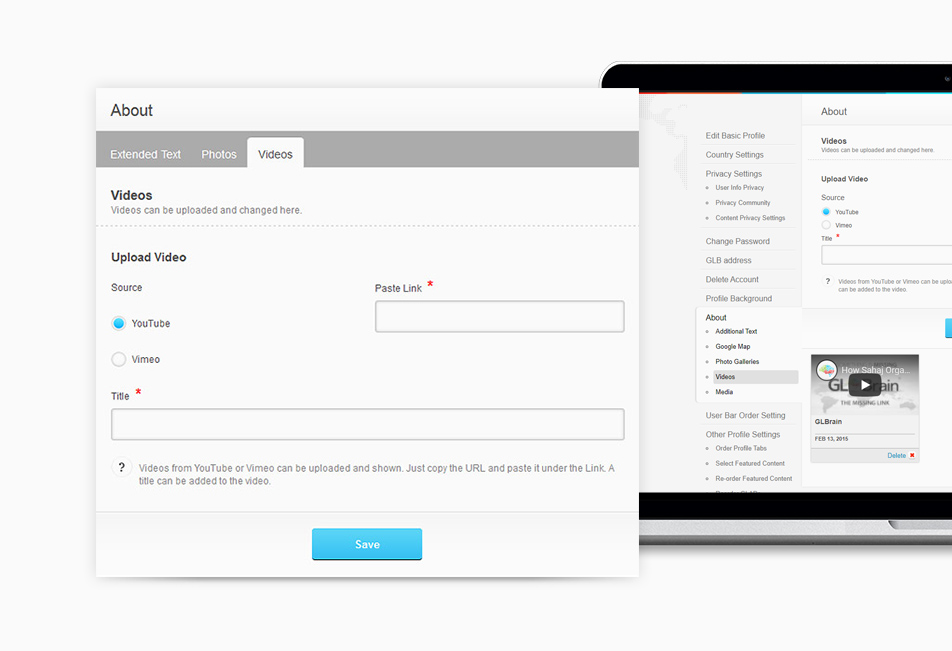
The user may upload videos to his Video Gallery. At this point the videos have to be uploaded via YouTube or Vimeo for security reasons and content control. Any such video once deleted will delete the link to this Video.
Media
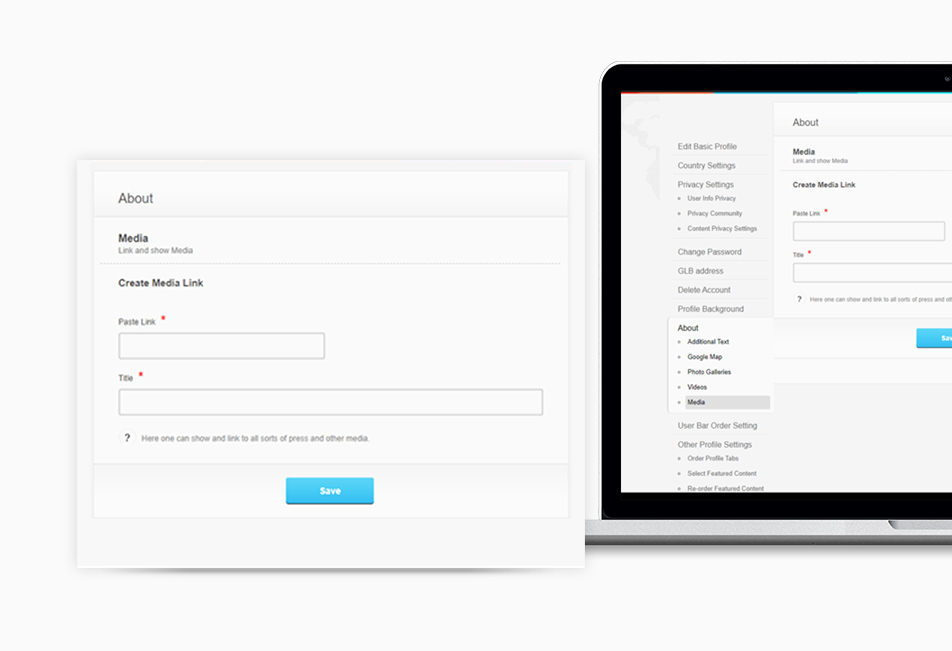
Here the user may present all kinds of links to any media like press releases and all further links found in the internet.
Order Profile Tabs
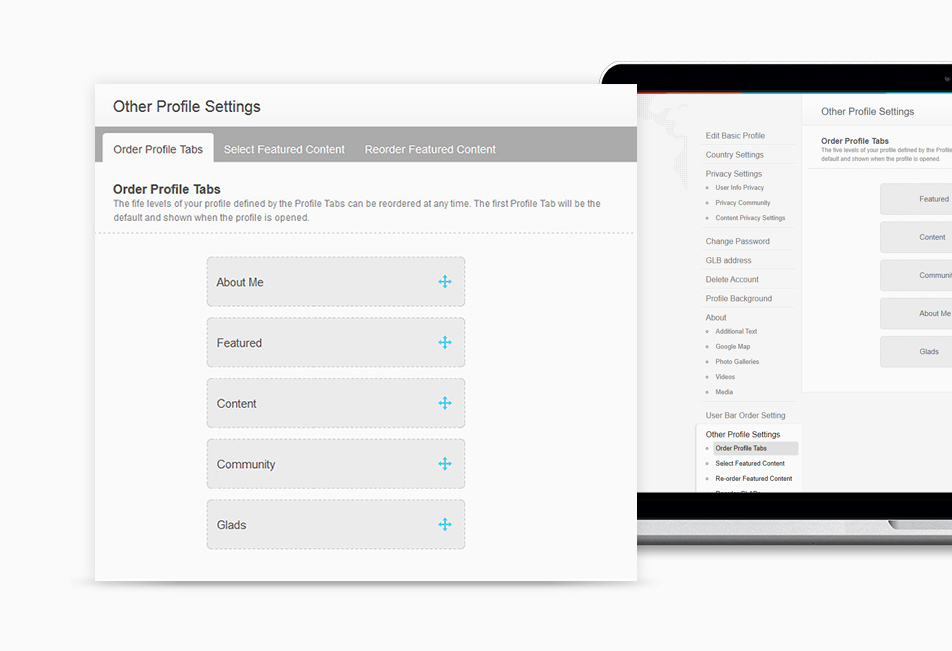
Professional Profiles also allow an easy re-arrangement of the tabs on top of the profile. The one on top of the list will show as default when opening the profile page.
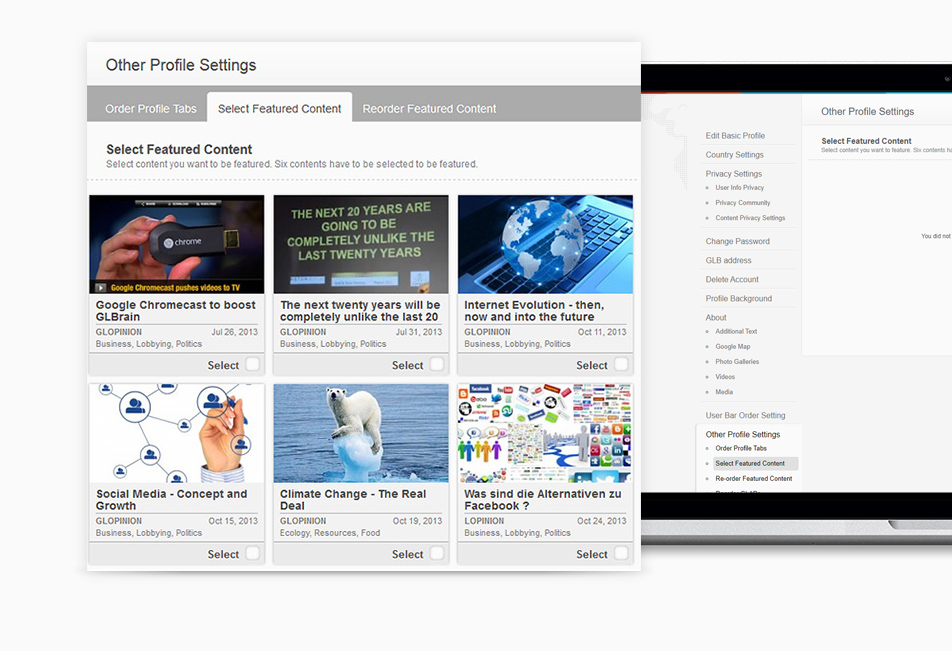
Select Featured Content
Content created by the user and published under his name will be shown on his profile under "Created Content". Such content can be featured by selecting a maximum of six single contents to be shown under "Featured Content". Such content is selected by clicking on it and this selection may be redone at any time.
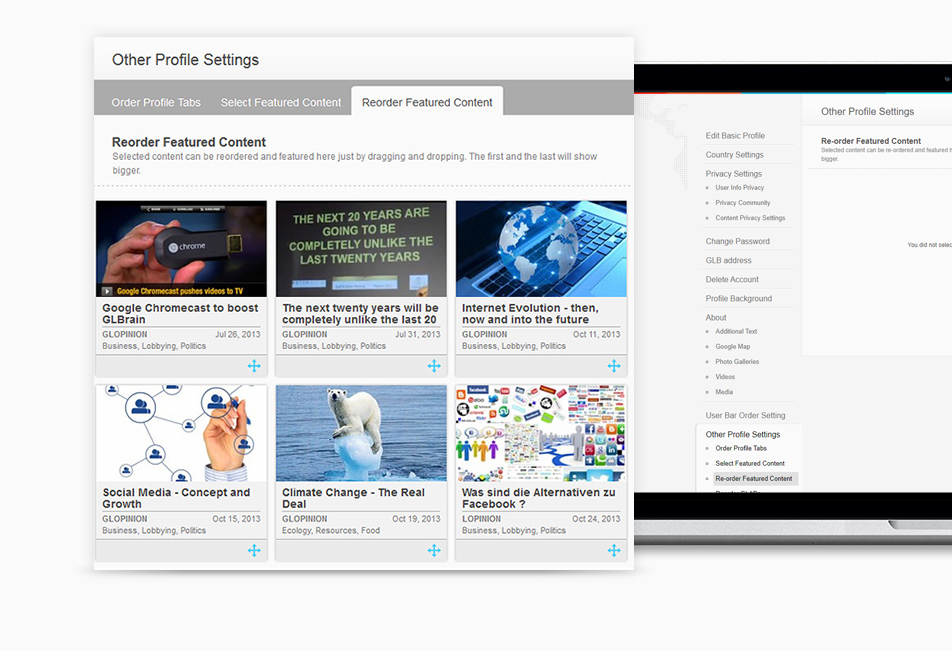
Reorder Featured Content
Having done the selection of featured content, just by dragging an dropping he can select where to show such featured content on the "Featured Content" page. The first and the last of the six selected contents will show bigger on this page.
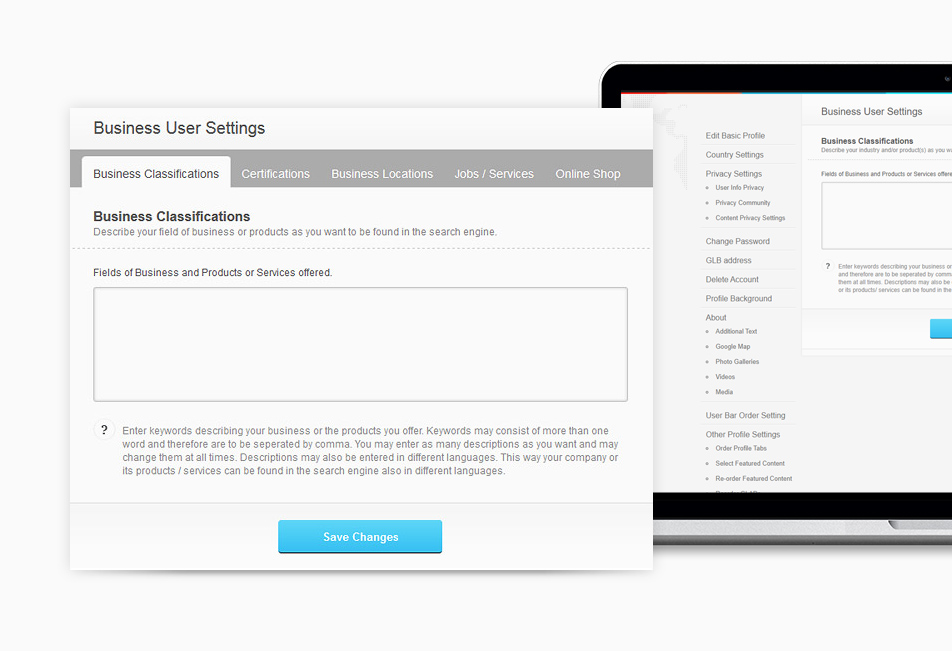
Business Classifications
Companies / organizations and any user using GLBrain in a commercial way may want to be found under various business classifications in the search engine. GLBrain does not offer the classic huge classifications of businesses as a standard but allows its users to specify their own classifications. This way they may use any of the available standard business classifications or whatever they think is best to find their business in the search engine. As many keywords and definitions as desired can be added just separated by commas may be entered and in as many languages as desired. This will help the company or user to be found in the search engine also using different languages.
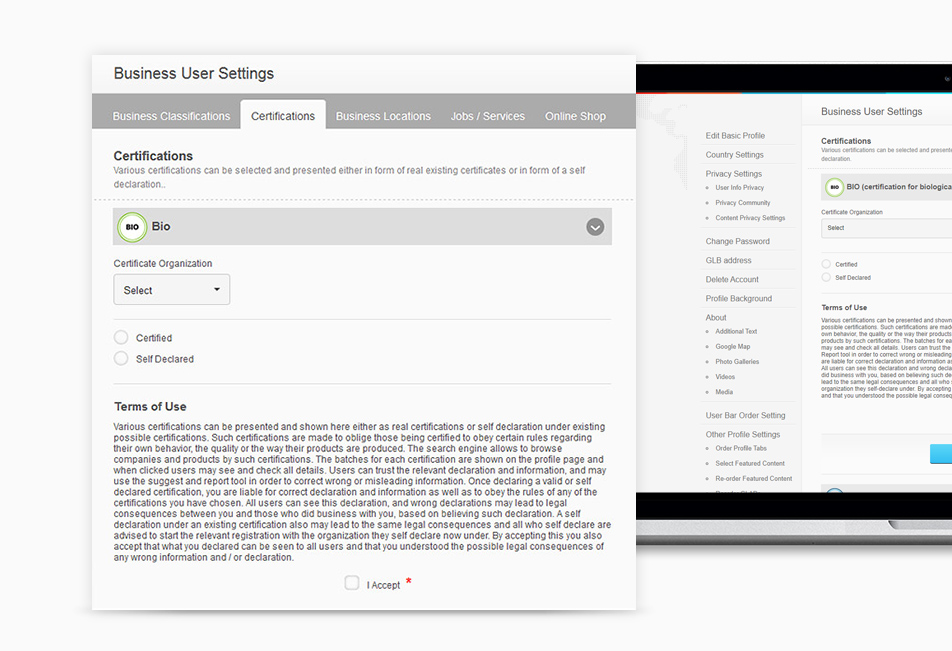
Certifications
GLBrain offers features for those who want to obey certain rules like CSR (Social Responsibility) or offer products under certain socially responsible certificates (like Fair Trade) or quality (like Bio). Companies using these functions can be found by interested users under these attributes in the extended search function "Business/ Products". Various certifications can be presented and shown either as real certifications or in form of a self-declaration under existing possible certifications. Such certifications are made to oblige those being certified to obey certain rules regarding their own behavior, the quality or the way their products are produced. The search engine allows to browse companies and products by such certifications. The batches for each certification are shown on the profile page and when clicked users may see and check all details.
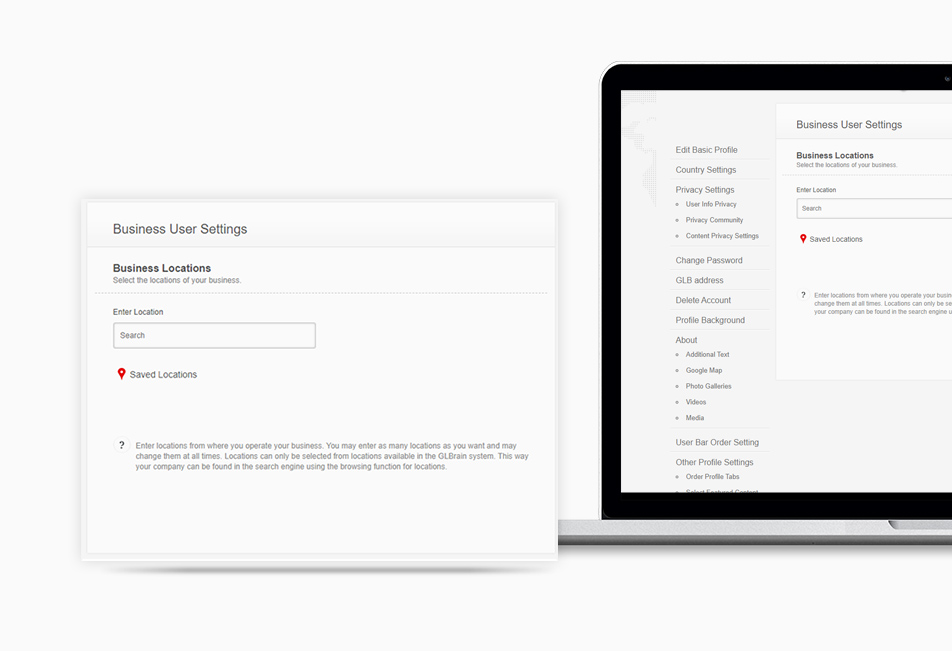
Business Locations
Companies and organizations may want to show multiple business locations. Here they can choose as many business locations as they wish to enter from all the available cities of GLBrain and can thus be found in the search and browsing tool under matching locations.
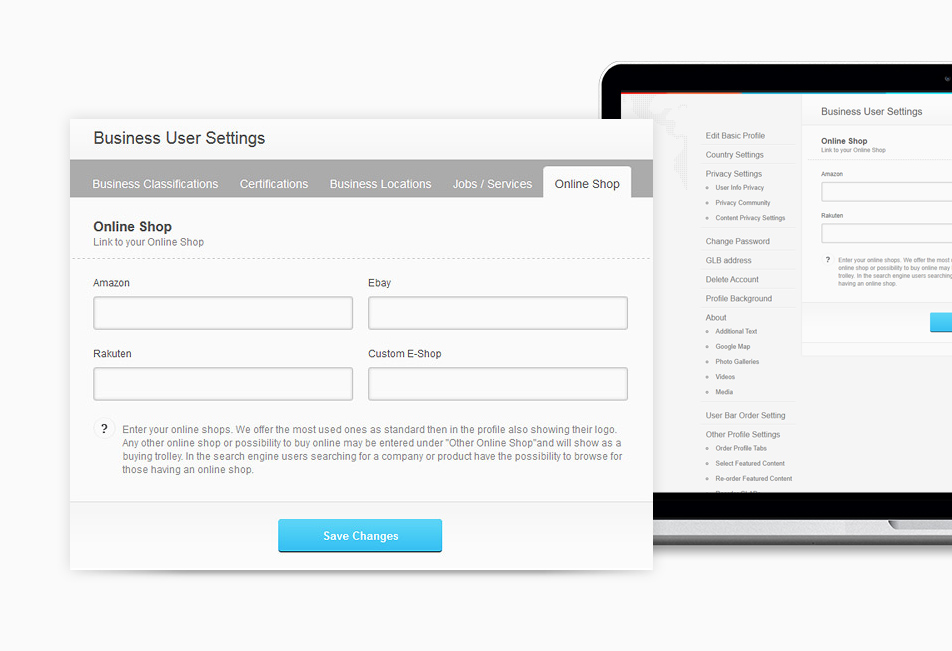
Other Online Shops
The Online Shop function allows embedding of existing online shops or online booking services for the products offered. GLBrain offers some standard online shops, shown with the related icon, or links to other online shops or booking pages, shown as a shopping cart icon.


